First experience with Unreal Engine 5 using C++.
From Unity to Unreal Engine 5, transitioning from C# to its parent language, C++.
Updated: 14:23-06/06/2025
I had been eyeing Unreal Engine for a while. You might think, like most people, that it was to create a AAA game or at least emulate its graphics, but no. What truly excites us developers are challenges, and for me, when it comes to coding, I tend to overthink things—more than I probably should. Coupled with some recent questionable policies from Unity, my main game engine, and my ongoing interest in C++ and manual memory management, along with insights from other programmers I met at gaming events, I decided to dive into this world.
Easy to get started?
I’ve only been a few weeks into C++ and have tried the engine a little with Blueprints (another, more visual and intuitive way of programming). From my experience with Unity, I can say it’s not easy. It’s a full-fledged engine—of that, I have no doubt—and I’ve barely scratched the surface of what it hides. It’s extremely complex, at least for someone just starting out, especially with C++. From the Blueprints perspective, it’s somewhat easier, and for 3D artists—especially those familiar with Blender—and game designers, the engine is exactly what they need, as it contains a wide variety of tools that Unity doesn’t offer natively.
How’s C++?
If you come from native C++, it will probably be easier for you than it was for me. However, Unreal Engine is a massive engine, so you’ll need to learn a lot about how it works and how to implement things. This isn’t a drag-and-drop experience like Unity; each class is strictly dedicated to an object or blueprint—or at least, that’s what I gathered from this brief first look.
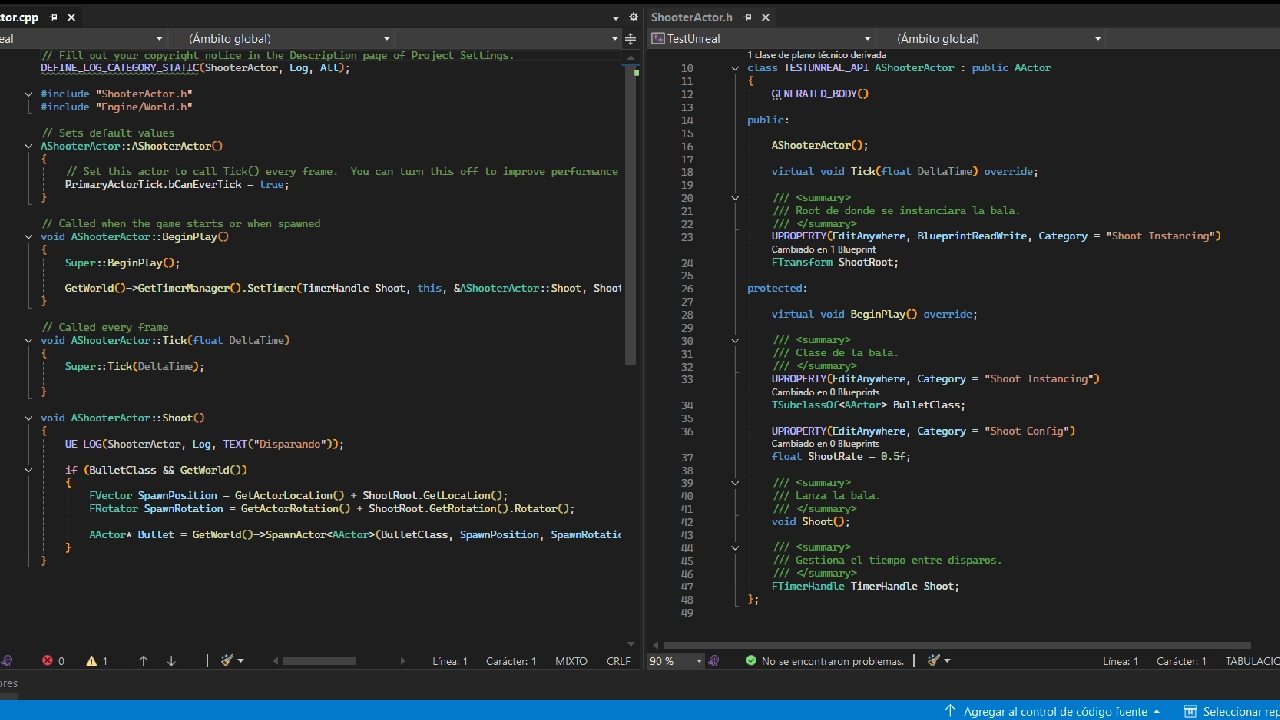
Will I continue with Unreal Engine?
Absolutely yes. The engine truly captures my interest, and the graphical results it delivers so effortlessly are amazing. It’s also worth highlighting Unreal’s approach of keeping Blueprints while allowing them to be mixed with native C++ code. This means that when collaborating with another developer with less experience, or with someone who isn’t a programmer, they can still contribute easily to the project. Additionally, it offers great ease for prototyping.
However, the downside is that Unreal is much larger than Unity, which means you’ll need at least a good SSD and decent system specifications to work smoothly—something Unity doesn’t require, as it can run even on very modest hardware.
For now, I’ll focus on recreating mechanics and prototypes, as Unreal Engine is more complex than Unity for a solo developer, and development times tend to be longer.